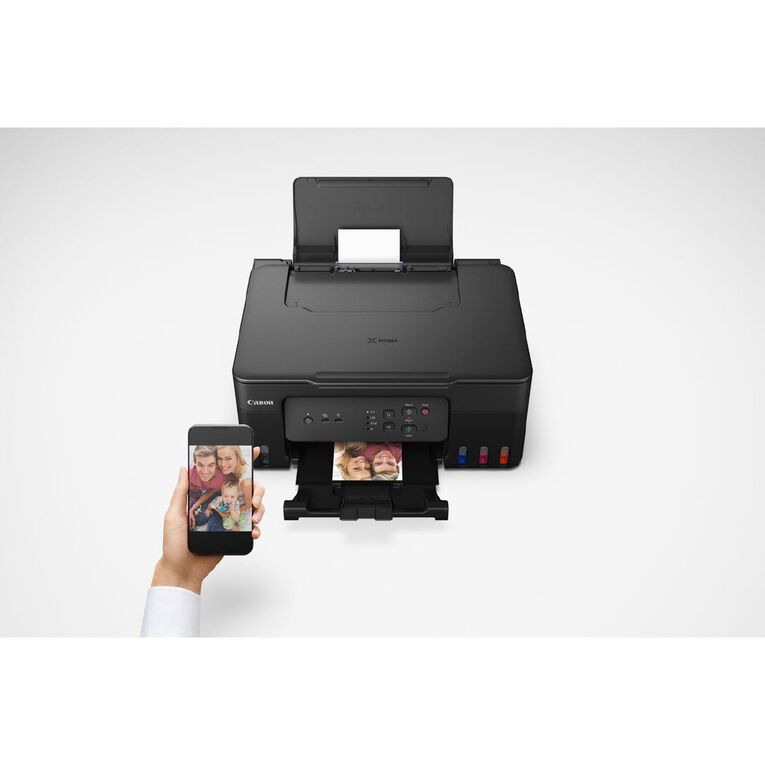
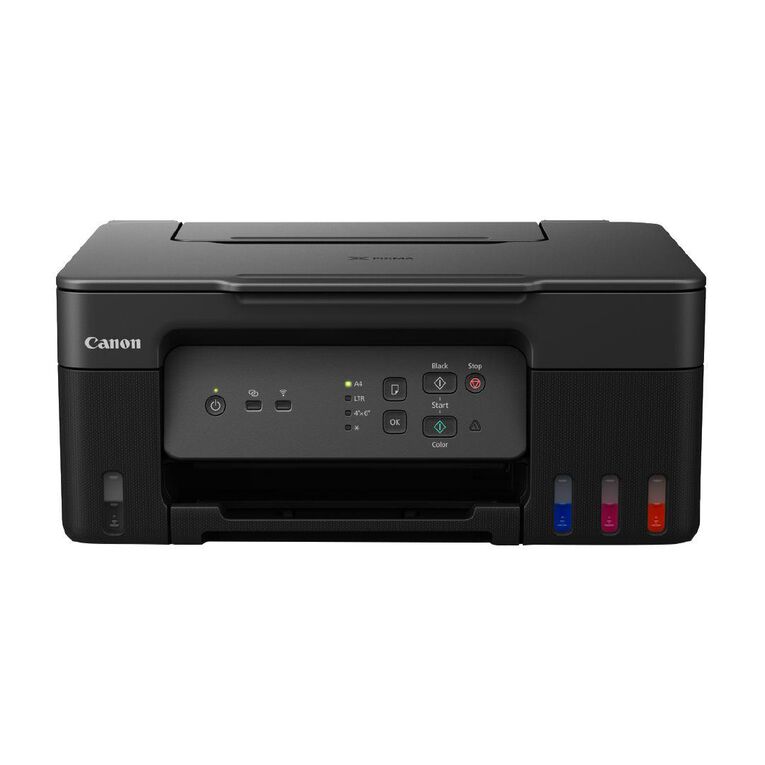
Canon PIXMA G3630 MegaTank 3-in-1 Printer
- bvseo_sdk, dw_cartridge, 18.2.0, p_sdk_3.2.0
- CLOUD, getAggregateRating, 0ms
- reviews, product
- bvseo-msg: EXECUTION_TIMEOUT is set to 0 ms; JavaScript-only Display.;
Limit of 50 per customer
$
379
00
In stock
SPEND & SAVE. $10 off every $100 spent*. Use code SAVE10 at checkout. Ends Sunday! Online only. *T&Cs apply.
Offer ends 18/10/2026
* T&C’s apply
Promotions terms & conditions
SPEND & SAVE. $10 off every $100 spent*. Use code SAVE10 at checkout. Ends Sunday! Online only. *T&Cs apply.
Offer ends 18/10/2026
Online only. Offer ends Sunday, 18th October 2026. $10 off every $100 spent on items up to $500. Add code SAVE10 at checkout. Excludes: All services, fotofinish, wsprint, printicular, insurance policies, freight, hireage, repairs, donations, gift vouchers, prepaid postal, phone top-ups, phone cards, phone connection packs, phone plans, sim cards, Schooltex, Apple, Chromebooks, Cricut, all software, all gaming consoles, gaming accessories, gaming games, and clearance.
Delivery Options details
Shop with confidence at Warehouse Stationery with our flexible shipping methods and our No Worries Return Policy for both online and in store customers.
Product details
Item No:
4549292213294
Product Id:
W2890955
The Canon PIXMA G3630 MegaTank prints at speeds of 11 ipm in black and white, and 6 ipm in colour, enabling you to print multiple pages with efficiency.Ideal for your work and play printing needs.
Features & Benefits
- Productive home office printer
- Print, Copy & Scan
- Wi-Fi
- Rear tray: 100 sheet Plain Paper(A4)
- Print up to 3,900 pages in black, and up to 4,600 pages in colour, reducing the need to top up your inks as often.
- Connect with Canon PRINT app, or print without any additional apps thanks to Apple AirPrint (iOS) or Mopria (Android) support.
- Print resolution: 4800 dpi x 1200 dpi
- Maintain the printer with ease: user-replaceable maintenance cartidge to ensure your printer run at its best
- Compatible Ink: GI61 series
- Product is covered by Canon Print Assist. Easy, step-by-step instructions to set. Contact the Print Assist team to help you solve your problem.