



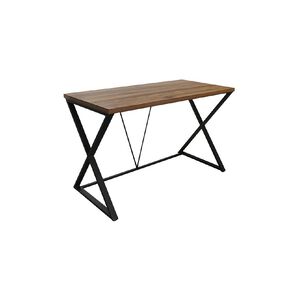
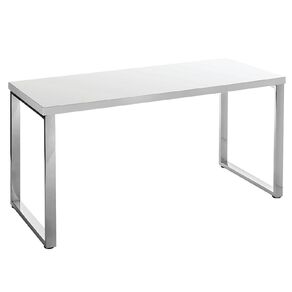
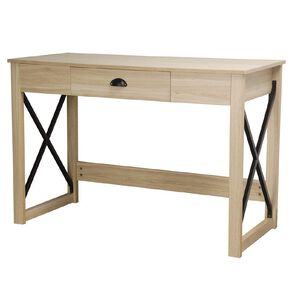
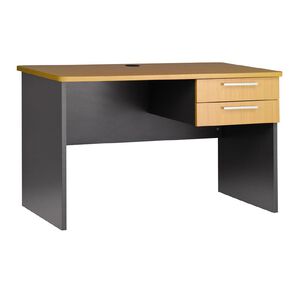




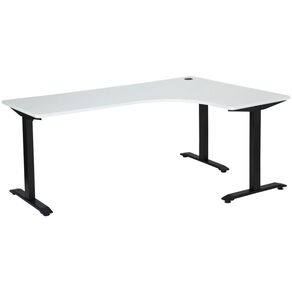
How to choose a desk
Start with the available space, the equipment the desk needs to hold and how often it will be used. Check the desktop width and depth, chair clearance, storage requirements and cable access before choosing. For computer work, allow enough depth for the screen and keyboard; for writing or study, keep sufficient clear surface space for books and documents.
| Desk type | Best suited to | Key consideration |
|---|---|---|
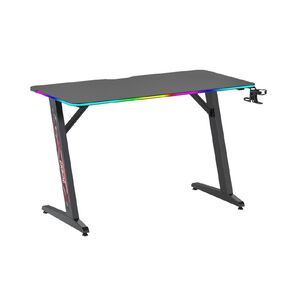
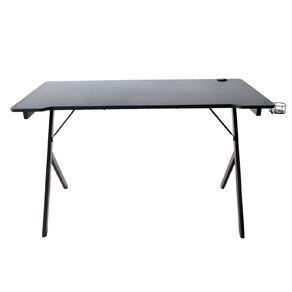
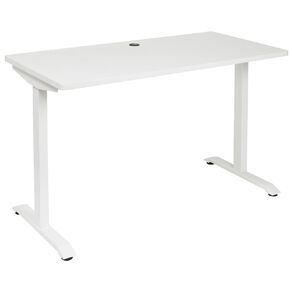
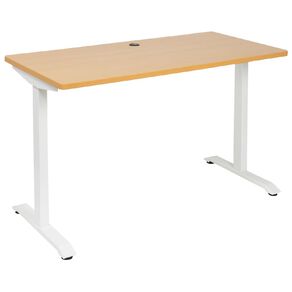
| Computer desks | Screens and accessories | Allow enough desktop depth for a monitor and keyboard. |
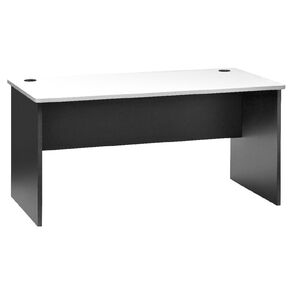
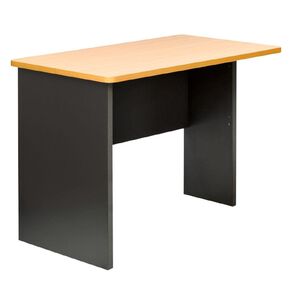
| Office desks | A broad range of workplace layouts | Choose size, storage and configuration to suit the workspace. |
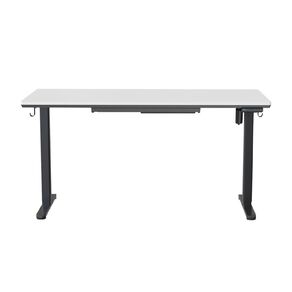
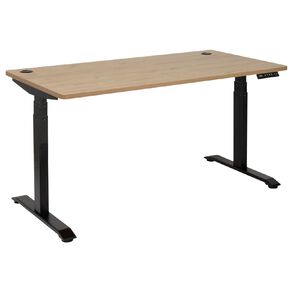
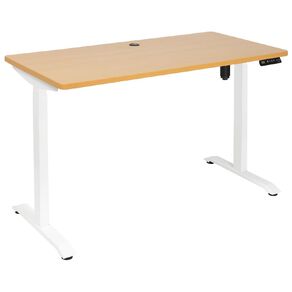
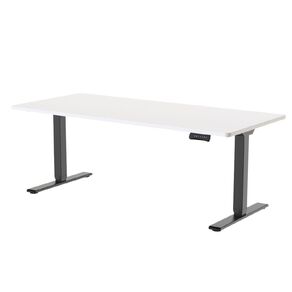
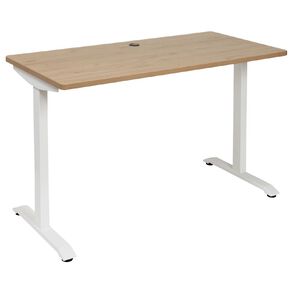
| Standing desks | Alternating between sitting and standing | Check adjustment method, height range and equipment capacity. |
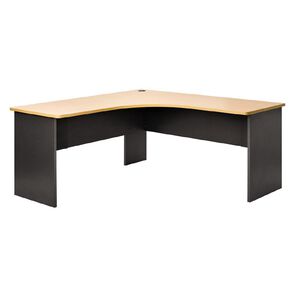
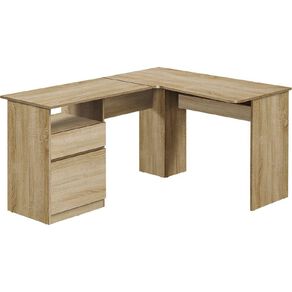
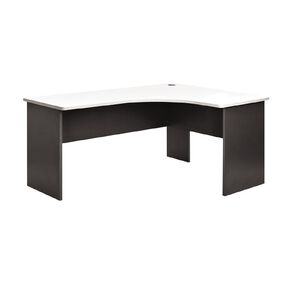
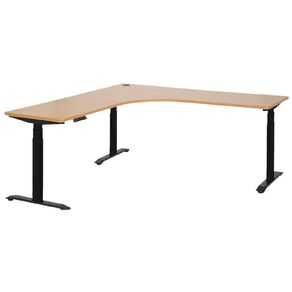
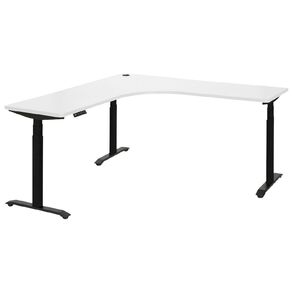
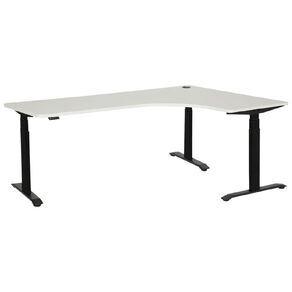
| Corner desks | L-shaped workspaces and separate task zones | Measure both walls and confirm left- or right-hand orientation. |
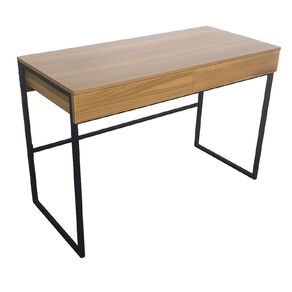
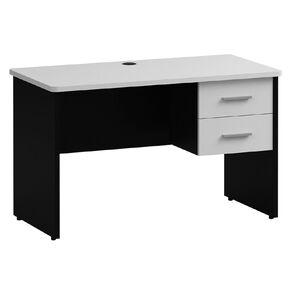
| Small desks | Bedrooms, study areas and compact home offices | Check width, depth and chair clearance. |
What size desk is suitable for two monitors?
For two monitors, a desk around 120 cm wide may be workable, but 140 cm or wider generally provides more space for screens, documents and accessories. Check the desktop depth, monitor stands or arms, and the total equipment weight before choosing.
What is the difference between a computer desk and an office desk?
A computer desk is usually designed around screens and accessories and may include cable access or storage. An office desk is a broader category thathat can include writing desks, straight desks, corner workstations and height-adjustable desks.
Which desk is best for a small room?
A compact, narrow or folding desk can suit a small room. Measure the available wall width, desktop depth and chair clearance, then check whether drawers, doors and walkways remain usable when the desk and chair are in place.